Retirement Planner KDP Interior Template: A Smart, Scalable Choice for Creators and Planners
If you're building a retirement planning resource — whether for personal use, client-facing coaching, or as a commercial KDP product — the Retirement Planner KDP Interior Template is more than just a printable file. It’s a thoughtfully engineered foundation that bridges design precision, functional clarity, and publishing readiness.
Why This Interior Template Stands Out in a Crowded Niche
The retirement planning space is growing fast — not just among retirees, but also mid-career professionals, financial coaches, HR departments, and even educators guiding young adults toward long-term stability. Yet many planners fall short: they’re overly complex, visually cluttered, or simply not built for real-world use. The Retirement Planner KDP Interior Template avoids those pitfalls by starting with intentionality — every page serves a purpose, every layout supports action, and every technical detail respects how people actually work.
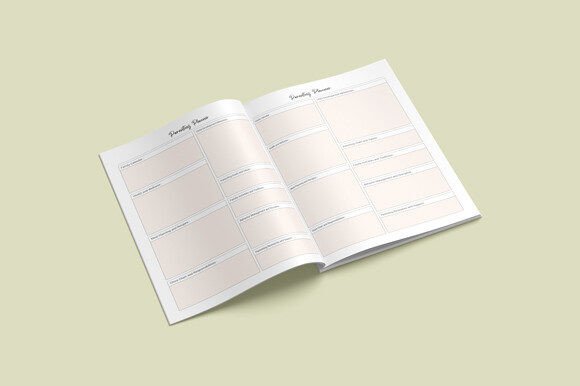
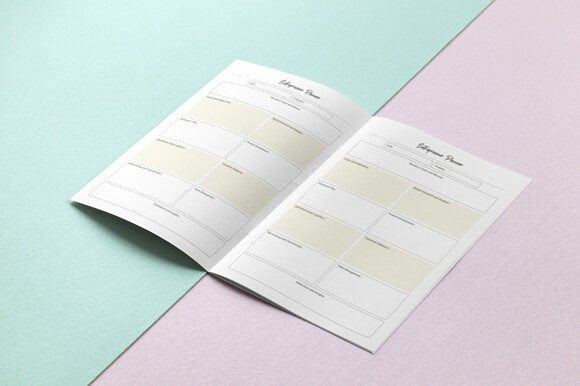
At its core, this isn’t a generic notebook repurposed for retirement. It’s a 109-page PDF interior designed from the ground up to guide users through milestones — from estimating future income needs and tracking pension projections to mapping healthcare costs, legacy goals, and lifestyle adjustments. And because it’s built for KDP, it meets Amazon’s strict formatting requirements without requiring hours of manual tweaks.
Practical Size, Real-World Usability
Measuring a clean, standard 8.5 x 11 inch, this template fits seamlessly into everyday workflows. It’s large enough to accommodate detailed tables, budget grids, and timeline visuals — yet compact enough to stay portable, stack neatly on a desk, or scan easily for digital note-taking. Unlike oversized or unconventional formats, this size avoids common printing headaches: no trimming surprises, no awkward margins, and no wasted space.
Crucially, it includes no bleed. That means your content stays precisely where it should — no risk of critical text or checkboxes getting cut off during KDP’s automated print process. For creators uploading directly to Kindle Direct Publishing, that’s not just convenient — it’s essential for avoiding rejection or costly re-uploads.
Digital Flexibility Without Compromise
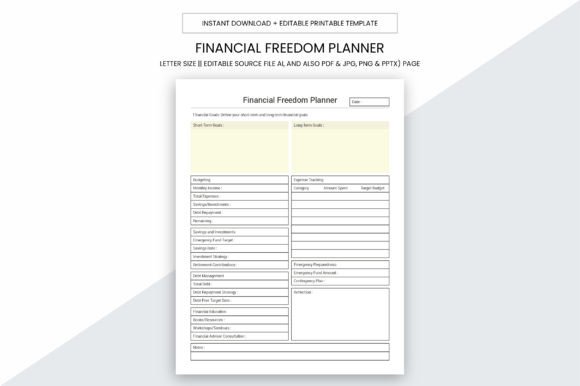
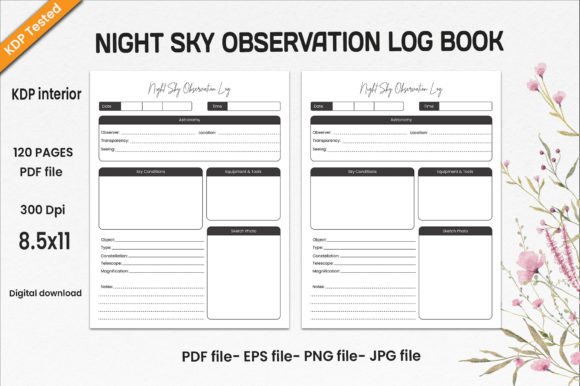
You don’t get one file — you get a full production toolkit. Alongside the final-ready 109-page PDF (KDP-optimized and print-perfect), you receive editable source files in Adobe Illustrator (.Ai), plus high-resolution PNG, JPG, PPTX, and PDF versions. That flexibility unlocks real value:
- Customize branding — swap fonts, adjust colors, insert your logo, or localize terminology (e.g., “superannuation” for AU markets or “CPP/OAS” for Canadian audiences).
- Repurpose content — pull individual pages into client presentations (PPTX), embed visuals in newsletters (PNG/JPG), or adapt layouts for digital planners (PDF + annotation tools).
- Scale across offerings — use the Ai file to create companion workbooks (e.g., “Retirement Income Tracker” or “Healthcare Cost Calculator”) while maintaining visual consistency.
This isn’t just about editing convenience — it’s about owning your product’s evolution. Whether you’re launching your first KDP planner or expanding a portfolio of financial tools, having layered, editable assets means faster iterations and tighter control over quality.
Print-Ready Quality You Can Trust
Every page renders at 300 PPI — the gold standard for crisp, professional-grade output. Text remains razor-sharp. Grid lines stay thin and consistent. Checkbox boxes align perfectly. There’s no pixelation, no blurring, no muddy grays — just clean, reliable fidelity whether printed on home inkjet paper or offset at a local print shop.
That attention to resolution matters most when users rely on fine details: small-font footnotes explaining IRA rollover rules, subtle shading in net-worth charts, or precise spacing in multi-year cash flow tables. Low-res templates may look okay on screen, but they erode credibility the moment someone prints or shares a physical copy.
Beyond DPI, the interior is engineered for real printing environments. Margins respect KDP’s minimum safe zones. Fonts are embedded or outlined to prevent substitution. Color profiles are set for CMYK-friendly output (critical if you ever move beyond KDP to bulk-printed versions). And yes — it’s truly ready to print for your local business, whether you’re handing bound copies to clients or stocking them at a community financial literacy event.
How It Fits Into Modern Planning Workflows
Today’s retirement planning isn’t linear — it’s iterative, collaborative, and often hybrid. People toggle between digital apps and handwritten reflection. Advisors co-create plans in Zoom calls, then email PDFs for offline review. Employers distribute resources as part of benefits onboarding — sometimes printed, sometimes shared via LMS.
This Retirement Planner KDP Interior Template adapts naturally to all of those modes:
- For solopreneurs and coaches: Use the editable Ai file to add your consultation framework — maybe a “Pre-Meeting Prep” section or a “Post-Review Action Checklist.” Then upload the final PDF to KDP and sell it as a companion to your services.
- For HR and benefits teams: Print select pages — like the “Employer-Sponsored Plan Comparison Chart” or “Spouse/Partner Discussion Prompts” — as handouts during open enrollment sessions.
- For educators and nonprofits: Extract the “My Retirement Vision Board” or “Timeline of Key Ages (59½, 62, 65, 73, etc.)” pages and use them in workshops — no licensing hurdles, no attribution required.
It doesn’t try to replace software — instead, it complements it. Think of it as the quiet, grounded counterpart to algorithm-driven calculators: where numbers meet narrative, assumptions get questioned on paper, and intentions become tangible.
What to Consider Before Choosing Your Interior Template
Before settling on any retirement planner interior — including this one — ask yourself three practical questions:
- Does it scale with my audience? Will a 35-year-old teacher find it relevant? Will a 62-year-old small-business owner trust its structure? This template balances depth with accessibility — no jargon without explanation, no blank pages without clear prompts.
- Can I maintain it long-term? If you plan to update annually (e.g., adjusting for new RMD rules or inflation benchmarks), the Ai source file lets you revise efficiently — no need to rebuild from scratch each time.
- Does it support my distribution goals? Whether you’re focused solely on KDP, want to offer print-on-demand via Etsy or your own site, or need physical copies for events — this template delivers consistency across all channels.
Also worth noting: the 109-page count isn’t arbitrary. It’s calibrated to cover core retirement domains without overwhelming — budgeting, debt strategy, housing plans, tax considerations, healthcare logistics, social connection, and legacy intentions — while leaving intentional white space for notes, reflections, and personalization.
A Resource Designed to Make Your Job Easier — Not Harder
The creator’s note — “I hope this logbook will make your job easier” — isn’t just polite phrasing. It reflects a deeper design philosophy: reduce friction, not add it. No redundant pages. No vague prompts. No confusing navigation. Just a steady, supportive presence — page after page — helping users clarify what matters, organize what’s complex, and act on what’s actionable.
Whether you’re using the Retirement Planner KDP Interior Template to build your next bestseller, streamline client onboarding, or simply gain clarity on your own path forward — its strength lies in how quietly capable it is. It doesn’t shout. It serves. And in the world of thoughtful planning, that’s exactly what lasts.